

Never hunt for a referral code again
When you open a brand's website, GiveRefer shows you its referral code from our community and can fill it in for you. On your own invite pages, it helps you share your code and earn coins.
The extension works on a computer in Chrome, Edge or Brave. Open this page there to install it.
How it works
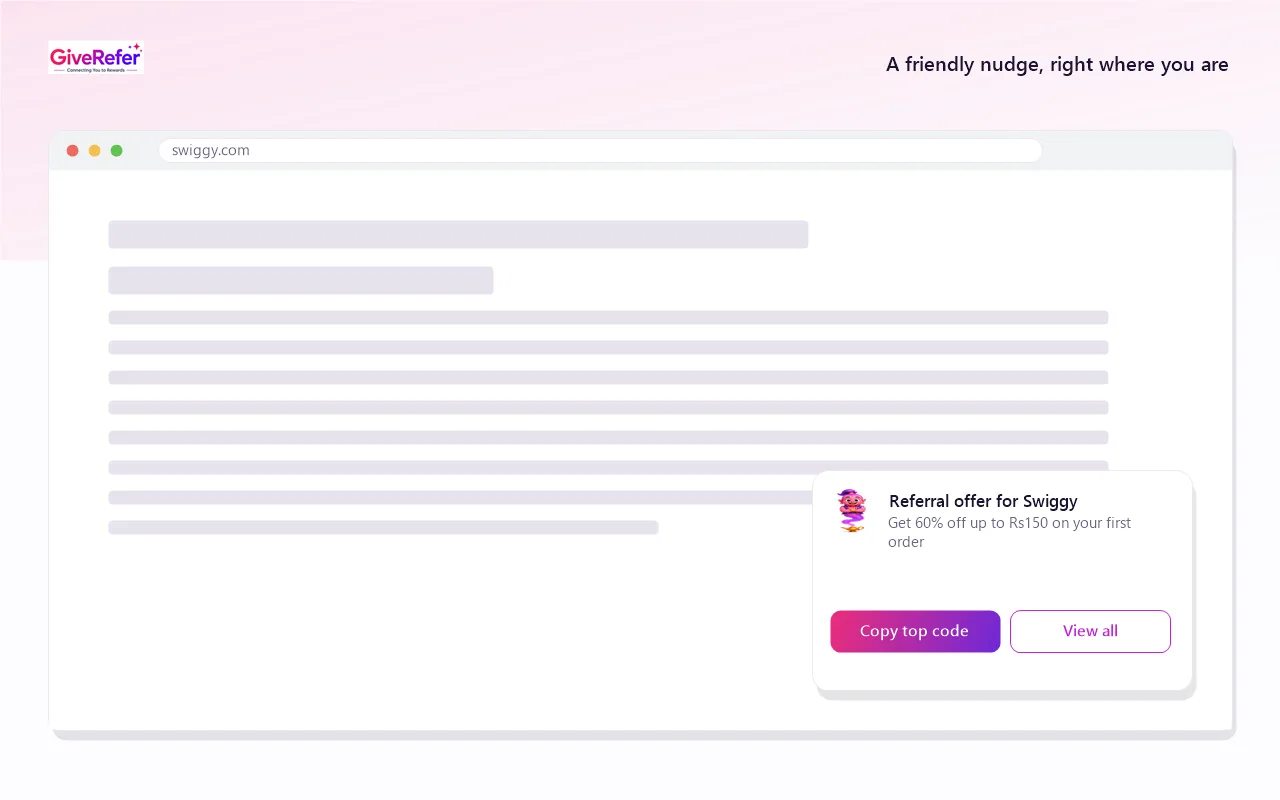
Install it once. After that it only appears on the brand sites where it can help.
-
Add it to your browser
One click from the Chrome Web Store. It's free, and you don't need a GiveRefer account to use it.
-
Visit a brand you're signing up to
If the community has shared a code for that brand, a small card shows the offer and the best code.
-
Copy or insert the code
Copy it, or click Insert when you reach the sign-up form's referral field. You get the bonus and so does the member who shared it.
What you get
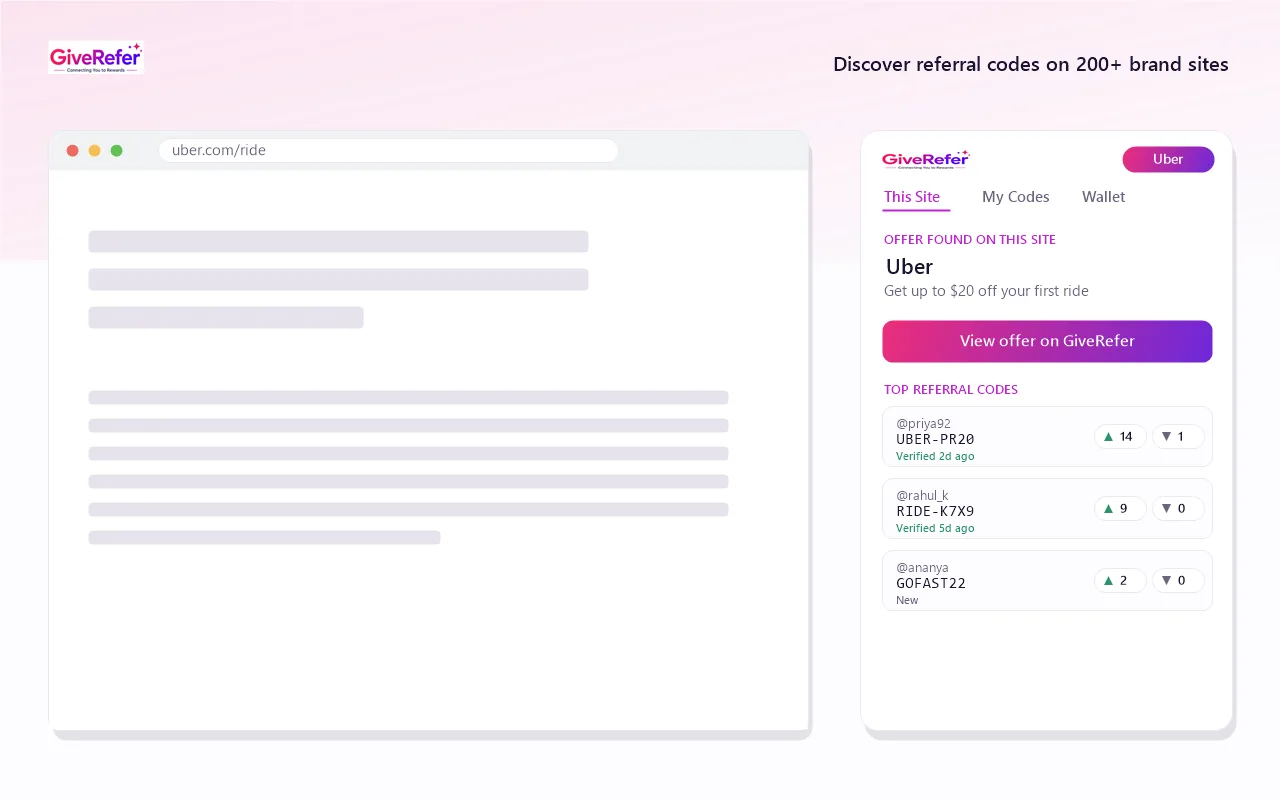
Codes for the site you're on, in one click
Click the toolbar icon to see every code members have shared for the current site, with when each was last confirmed to work.
- Codes ranked by member votes
- Copy any code, or save it to your account
- Press Alt+Shift+G to copy the top code without opening the popup
Fill in the code, and share your own
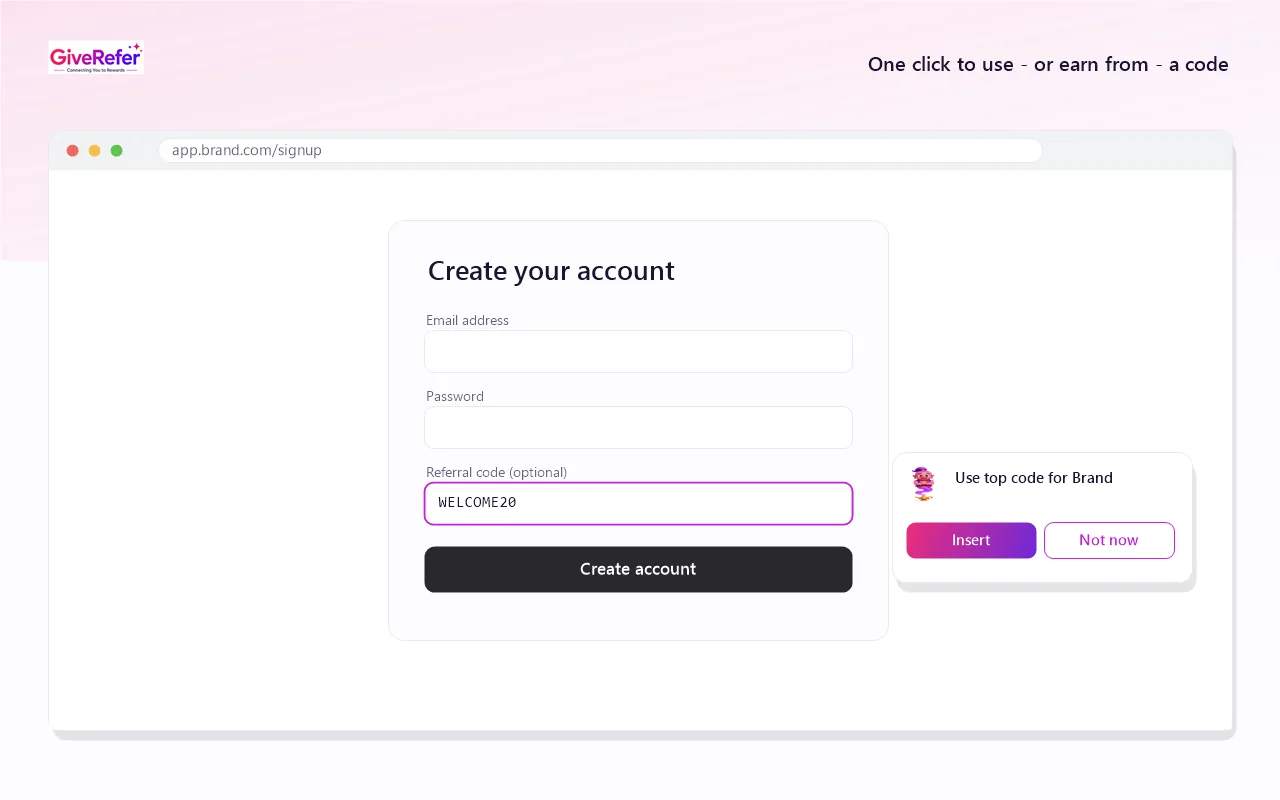
On a sign-up form, an Insert button puts the code straight into the referral field. On a brand's invite page, the extension spots your own code so you can add it to GiveRefer in one click.
- No switching tabs to copy and paste
- Earn 20 coins for each code you share
The code shows up in your search results
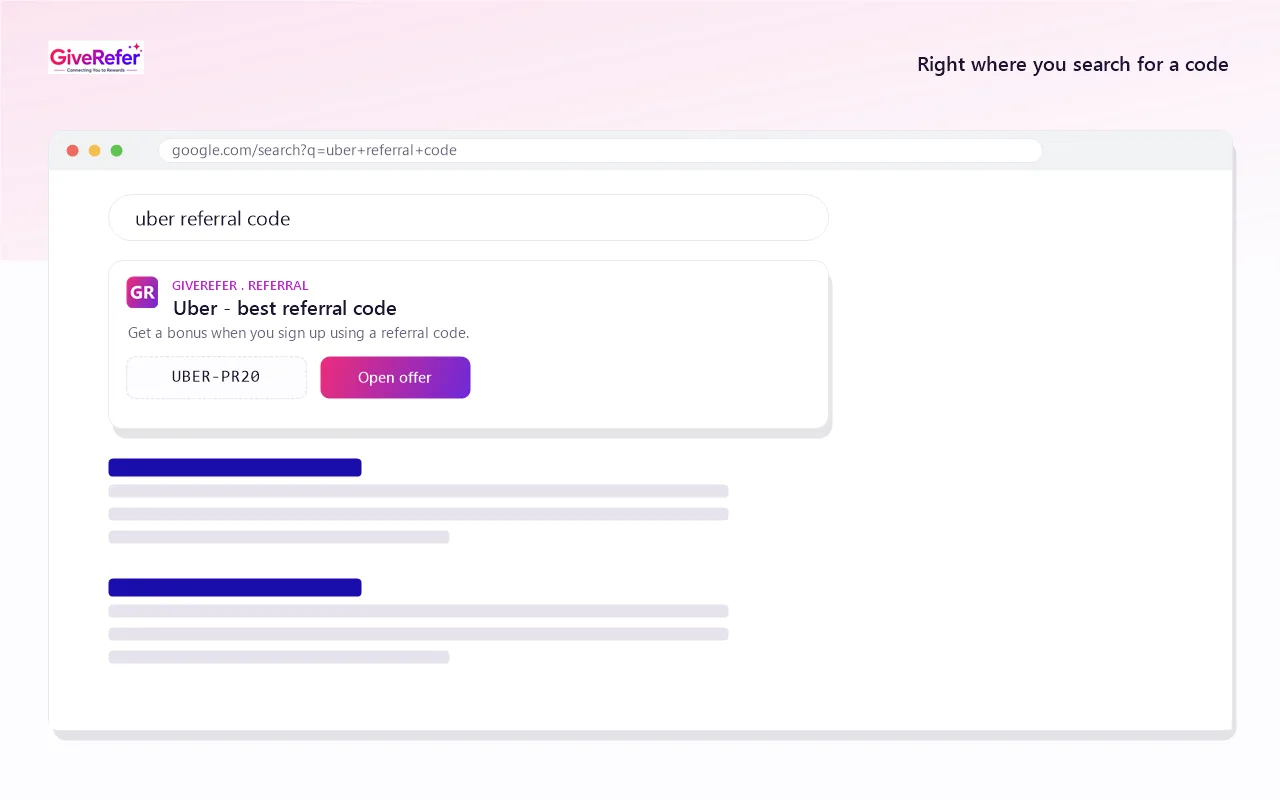
Search Google or DuckDuckGo for a brand's referral code and the top code appears above the results, so you don't have to open any pages.
Your coins, one click away
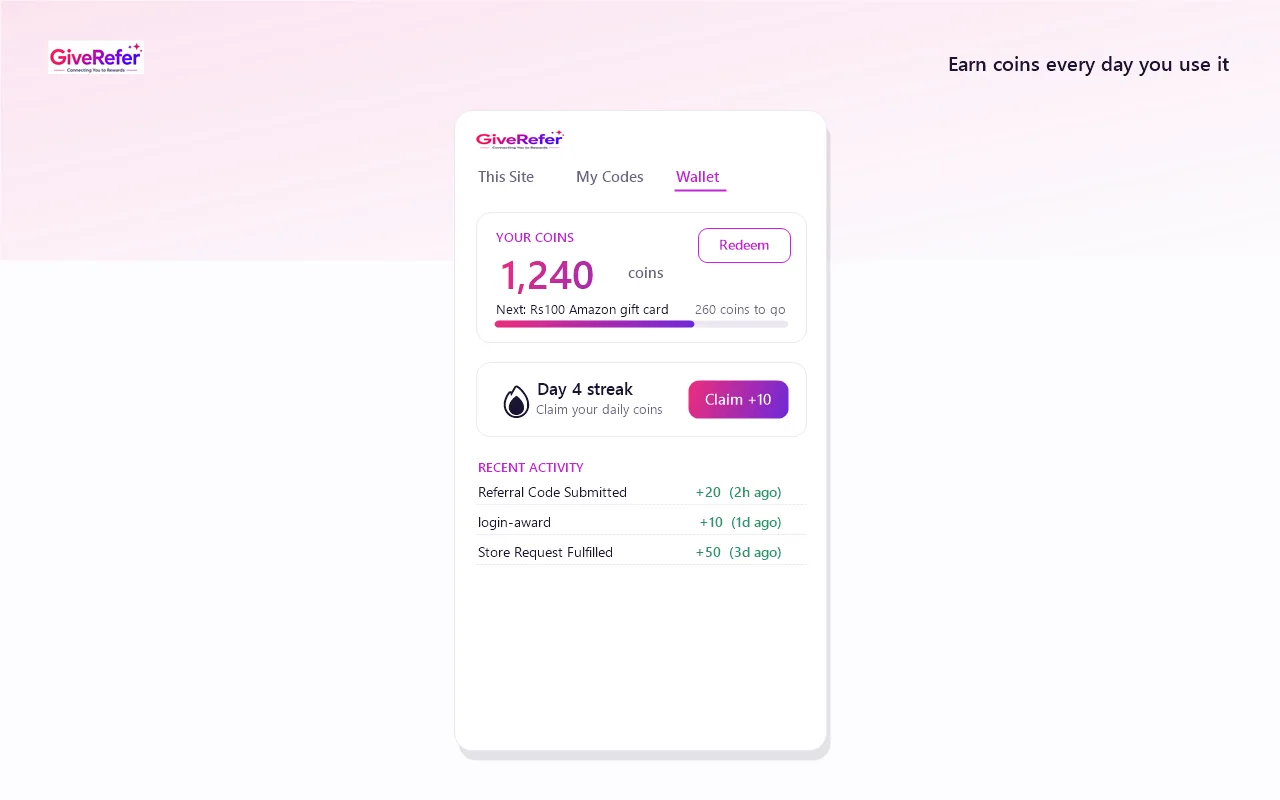
Sign in to see your coin balance, claim your daily streak bonus and track how often your codes get used. Coins can be redeemed for rewards on GiveRefer.
Built to stay out of your way
Some shopping extensions have been caught swapping affiliate links. We designed this one so it can't do that.
What it never does
- It never replaces affiliate links or tracking cookies.
- It never opens tabs or pages in the background.
- It never fills in a code unless you click Insert.
- It never runs anywhere except supported brand sites and Google or DuckDuckGo search results.
- It never sells or shares your browsing data.
Why it asks for each permission
- Read and change data on websites
- So it can show the offer card on supported brand sites, and the code card on Google and DuckDuckGo search results. It downloads the brand list from GiveRefer and stays inactive everywhere else.
- Identity
- Only used if you choose to sign in with your GiveRefer account.
- Notifications
- To confirm when the keyboard shortcut has copied a code.
The full details are in the extension privacy policy.
Questions
Is it free?
Yes. The extension is free and has no paid tier.
Do I need a GiveRefer account?
No. You can find and copy codes without signing in. Sign in only if you want to save codes, share your own and earn coins.
Which browsers does it work in?
Google Chrome, Microsoft Edge, Brave and other Chromium-based browsers on a computer. It isn't available for Firefox, Safari or phones yet.
Why didn't it show anything on a site?
It only appears on brands where members have shared a code. If a brand is missing, click the toolbar icon and request it. If we add it, the first person who asked earns 50 coins.
How do I turn it off for a site?
Click the toolbar icon and choose "Don't show on this site". You can also pause it for 24 hours or turn individual features off in its settings.
Get the bonus every time you sign up
Free, and it takes a few seconds to install.
Add to Chrome – it's free